Online Teaching Made Easier for Teachers
Online Teaching Made Easier for Teachers
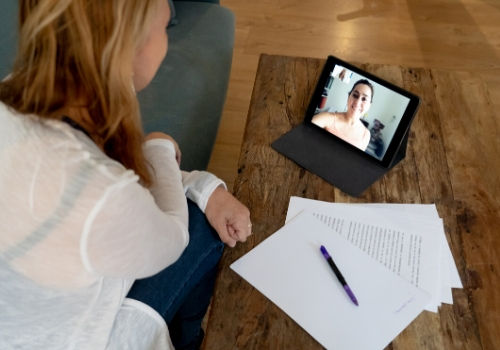
Many of us teachers are now turning to online teaching to aid our offline in-person teaching and also to reach more people i.e. those with accessibility problems. Teaching online can make learning a more inclusive opportunity for those with disabilities and those from disadvantaged backgrounds. So let me provide you with some tips to make online teaching easier for you.
1. It is before you start teaching online to get familiar and used to the tools that you will require. Get familiar with these tools before you start teaching and you will find that the lessons will be much smoother and you will feel much more confident. This will ensure the smooth running of the session. Tools you will need are likely to include a webcam, headphone/earpiece, computer and software such as Zoom.
2. I would advise only to share the lesson/meeting ID with those people you want to be included in the online class, to avoid intruders joining in.
3. To stop others from sharing their screens (specifically grant permission to your participants during the session only for any activities that might require them to share their screen). This is to prevent any hackers from sharing unwanted materials.
4. Set the virtual classroom up (in the settings) so that your participants first sit the online waiting room until the session starts.
5. Do encourage students though to join ten minutes early.
6. When teaching online, do remember to look directly at the camera, and not the screen. This is a common mistake when teaching online.
Symonds Research provides training course materials for companies worldwide and also provide online teaching guides and free-to-use icebreakers for online teaching.
7. Test everything before you start the lesson (audio, video, any software you use and make sure that the Internet connection is strong enough). Testing the day before is even better so that you have enough time to find solutions as needed.
8. Send participants any information related to the course beforehand, in preparation for the session.
9. Ensure that the lighting in the room is good so your participants can see you well.
10. Check that the background behind you is tidy and there is nothing there that you don’t want participants to see.
11. Choose a quiet location.